Can I bring in the contacts from my phone?
Yes. Import a .vcf file exported from your phone or a .csv from Google Contacts or Excel. Names and numbers come in, not old messages: WhatsApp doesn’t let other apps read chats from your phone.
Can we change the pipeline stages?
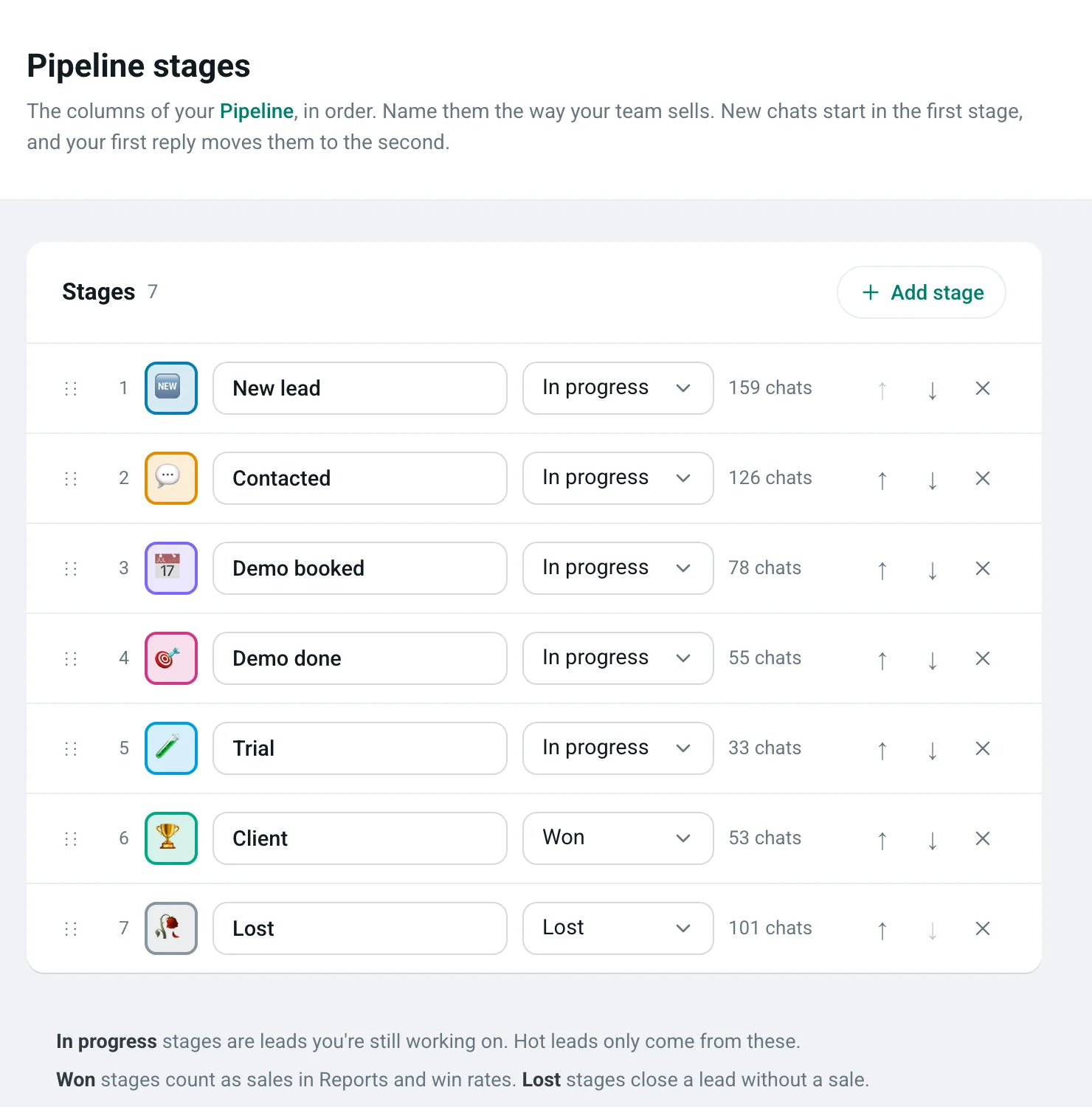
Yes. Rename, add, reorder and colour stages for your workspace, and mark which ones count as won or lost.
What makes a lead “hot”?
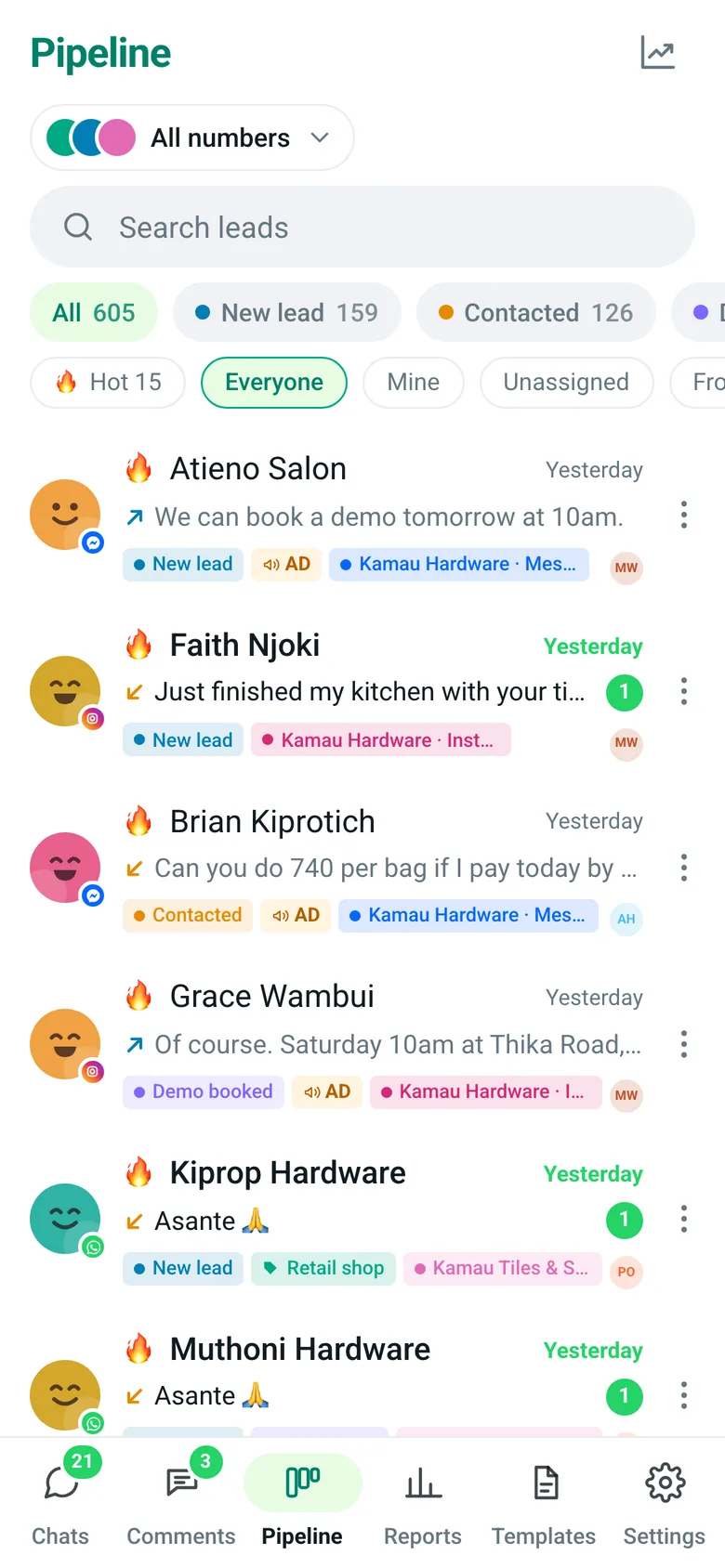
The customer is waiting for your reply (within 24 hours), the lead came from an ad in the last 72 hours, or it’s active at a deciding stage. Your team can also mark any lead hot by hand.
Can we sort customers into groups?
Yes. Create categories in Settings, assign them in a chat or to many leads at once, and filter Chats and Pipeline by category.
Can we message a lead who hasn’t written to us?
Yes, with a template approved by WhatsApp, and only if they agreed to hear from you. Free-form replies are possible for 24 hours after they write.
Can we import our customers’ Tanzanian phone numbers?
Yes. Import a .vcf file from your phone or a .csv from Google Contacts or Excel. Numbers keep their country codes, so +255 numbers and overseas customers sit in the same pipeline, and importing again never makes duplicates.
What pipeline stages should a business in Tanzania use?
Use the steps your customers actually go through. A hardware shop might use Enquiry, Quote sent, Delivery booked, Paid; a salon Enquiry, Booked, Came in, Regular. Stages are added, renamed and reordered in Settings, and each is marked in progress, won or lost.
WhatsApp rules on this page, from Meta:WhatsApp Business Platform pricing (Meta)Messaging limits (Meta)Message templates (Meta)Business phone numbers and limits (Meta)About the WhatsApp Business Platform (Meta)